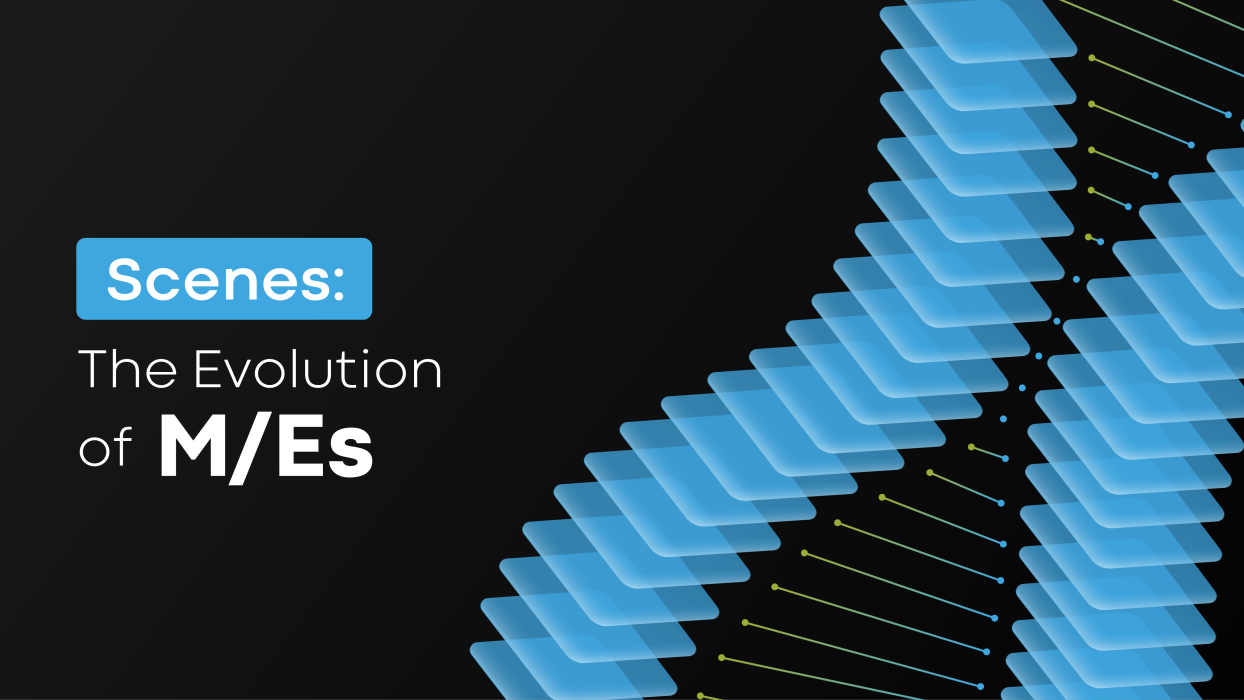
In video production, Mix/Effects (M/Es) have long been the backbone of live production and multi-camera setups. These ‘switcher buses’ combine a primary source with additional effects, using keyers to overlay elements like graphics or picture-in-picture boxes. While M/Es are a proven and reliable tool, the introduction of Scenes has redefined what’s possible, offering not just equivalency but enhanced creative freedom and flexibility.
How Scenes Mirror M/Es
At their core, Scenes achieve everything a M/E accomplishes, and do not differ much. They allow for source selection, layered compositions, and the application of effects. In a traditional M/E workflow, you might use keyers to add overlays or split-screen effects. Scenes take this concept and elevate it by replacing the hardware-defined limitations of M/Es with a software-driven approach.
For example, where an M/E might combine a presenter’s feed with a graphic overlay and a background video, Scenes can achieve the same result while offering far more control over each individual element and deliver deeper production possibilities. Instead of relying on pre-assigned keyers, every layer in a Scene can be adjusted independently, from its size and position to its applied effects and transitions. This granular control allows creators to fine-tune their compositions without the constraints of a fixed hardware setup.
The Flexibility of Scenes
The true power of Scenes lies in their flexibility. An M/E-based solution usually has a fixed amount of M/Es (typically 4 or 8), in which you have around 4 keyers (layers) per Mix/Effects (M/Es).
Scene-based platforms mitigate the limitations imposed by hardware-requirements, offering a much larger quantity of resources. For example, QuickLink StudioPro™ features a whopping 120 Scenes, which is revolutionary when comparing to a 4 or 8 M/E legacy video production solution. Also, unlike M/Es, Scenes allow for unlimited layers (keyers). This opens up possibilities for more intricate compositions that would require multiple M/Es and re-entry in traditional setups. With Scenes, adding complexity doesn’t mean adding headaches.
For instance, imagine a multi-camera sports broadcast. An M/E might handle a single camera feed with an overlay for player stats and a lower-third graphic. To add a second feed—perhaps a sideline camera—you’d need another M/E or a workaround to integrate it. With Scenes, you can utilize another of the 120 Scenes that coexist within a single StudioPro workspace. Multiple camera feeds, overlays, animations, and background elements can be stacked and configured in the available Scenes, without worrying about hardware limitations.
This flexibility extends beyond live broadcasts. For pre-recorded content or complex productions, Scenes allow for experimentation. A large pool of available Scenes, with layers can be rearranged, and effects can be applied selectively, meaning that alternate versions of a composition can be created without affecting the original. The ability to create multiple Scene designs and toggle layers on and off or duplicate an entire Scene encourages creators to explore new ideas without fear of disrupting their workflow.
Streamlining the Creative Process
One of the most significant advantages of Scenes is how they streamline the creative process. Traditional M/Es often require meticulous planning and technical expertise to manage sources and keyers effectively. Any changes to the composition—such as swapping a graphic or adding a new feed—can involve significant reconfiguration. Scenes eliminate this rigidity by providing an intuitive interface that prioritizes ease of use.
Scenes’ unlimited layer-based approach will feel familiar to anyone who’s worked with creative tools like Photoshop or After Effects. Each layer is clearly labelled and independently adjustable, making it easy to understand and modify the overall composition. This simplicity reduces the learning curve for new users while also speeding up workflows for seasoned professionals.
Beyond the Limitations of M/Es
While M/Es are invaluable in live production scenarios, their reliance on physical hardware imposes unavoidable limits. Scenes, as a software-driven solution, break free from these constraints. They provide a more dynamic and scalable framework for video production, capable of adapting to the needs of any project.
Consider a corporate event livestream. Using M/Es, you might build a setup where a presenter’s feed is combined with a branded background and lower-third graphics. If the client requests last-minute changes—such as resizing the presenter’s window or adding a new logo—these adjustments could require reassigning keyers or reconfiguring the switcher. In a Scene-based workflow, these changes are as simple as dragging and resizing layers or importing new assets. The non-destructive nature of Scenes ensures that adjustments are quick and painless.
Scenes also excel in situations that require experimentation. For creative projects, where the goal is to push boundaries and explore new ideas, the ability to iterate rapidly is invaluable. Unlike M/Es, which can feel rigid and technical, Scenes invite playfulness and innovation. By making it easy to test different compositions and effects, Scenes empower creators to discover unexpected solutions and craft unique visuals.
Why Scenes Are the Future
In many ways, Scenes represent the natural evolution of video production. They retain all the core functionality of M/Es while addressing their limitations and expanding their potential. For professionals accustomed to M/Es, adopting Scenes doesn’t mean abandoning what you know. Instead, it’s about building on that foundation, embracing new possibilities and utilizing existing skills from creative tools used day-to-day.
Scenes offer a level of freedom that was previously unimaginable in traditional workflows. By removing the constraints of hardware-defined systems, they enable creators to focus on what matters most: visual storytelling. Whether you’re producing a live broadcast, a virtual event, or a creative video project, Scenes provide the tools to bring your vision to life with unprecedented depth and detail.
Video production solutions that adopt the Scene-methodology, like QuickLink’s StudioPro, allow users to enjoy creative, and painless production experience without the limitations and complexity of legacy video production systems.
Final Thoughts
Mix/Effects (M/Es) have served video production well for decades, but the future belongs to Scenes. With their unmatched flexibility and ease of use, Scenes empower creators to think bigger, move faster, and create more impactful content. If you’ve relied on M/Es in the past, now is the time to explore how Scenes can take your work to the next level. The tools are here. The possibilities are endless. And the future of storytelling has never been brighter.